GAM screenshots UI hub
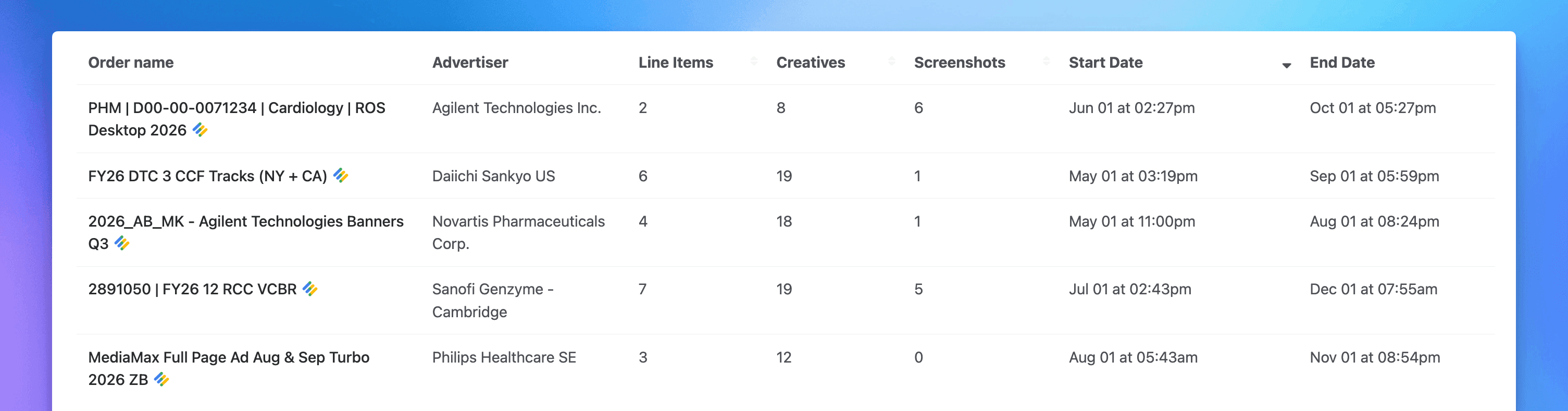
If you run campaigns through Google Ad Manager (GAM), finding the right screenshots used to mean digging. Now there's a dedicated GAM screenshots experience built around how you actually work: browse screenshots straight from an order or a line item, or open the connector-level screenshots view to see everything at once.
Filtering is built in throughout. Narrow by advertiser, order, or GAM screenshot tactic to get to the exact screenshots you need, then bulk download everything from an order or line item in one click. We've also added a GAM link to the main navigation so it's easy to access.
Get a daily email of your new GAM screenshots (beta)
You can now receive a daily email summarizing the new GAM screenshots captured for your account. Each order links straight back into the app, so you can go from the email to reviewing screenshots in seconds, without checking in manually.
Interested to try the beta? Let us know →
Screenshots that keep up with new creatives
When new creatives are added to an existing, delivering line item, we now automatically run the relevant GAM tactics for those creatives to capture screenshots for them. You no longer have to manually request screenshots when adding creatives to in-flight line items.
More fixes & improvements
Added support for Tumult Hype HTML5 banners
Fixed HTML5 banners that could get stuck on "pending" and restored frame selection
Fixed screenshot links to open the original site, with a clearer breadcrumb back to the set
Fixed long screenshot URLs overflowing their cards
Fixed screenshot set dates to display in the browser's timezone